

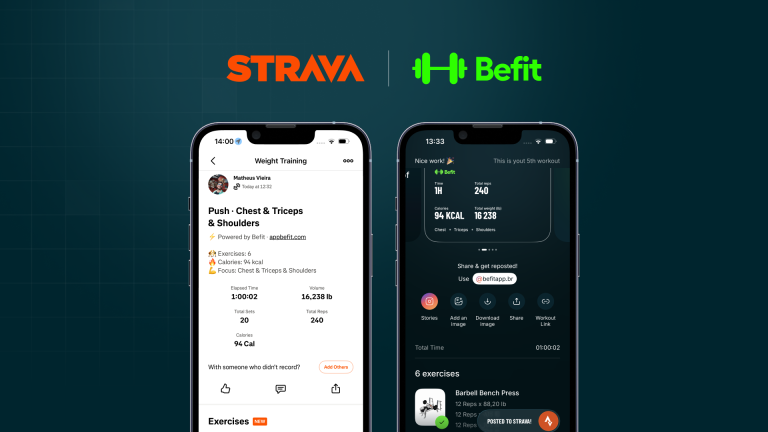

Befit now syncs with Strava. We are the first Brazilian strength training app integrated with Strava’s new strength training experience — and, as integration partners, we bring your gym sessions to the same feed where millions of athletes already share their runs and rides. The news was also shared in the What’s New section of the Strava website.
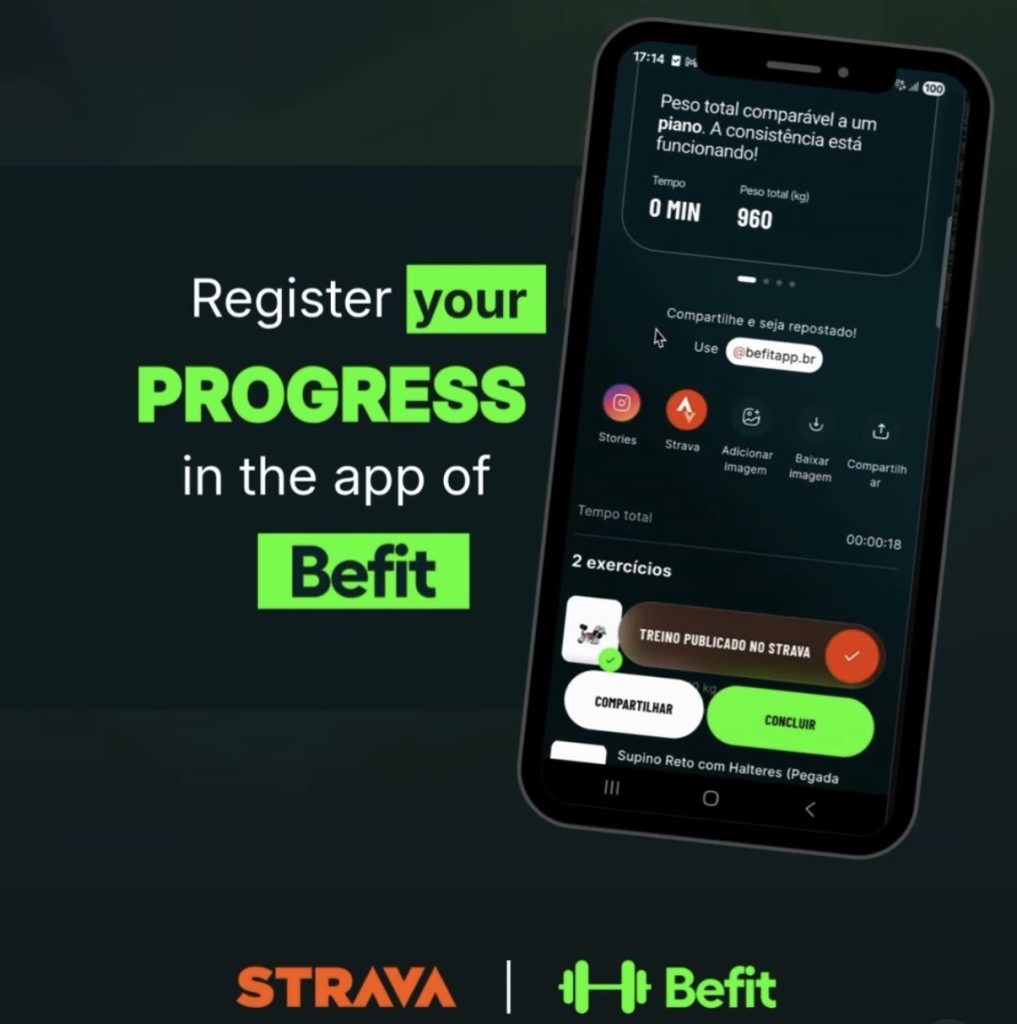
In practice, every workout you complete in Befit is automatically posted to your Strava profile, with no extra steps. Your friends, training partners, and the wider community can follow your progress in the gym the same way they follow any other sport.
What is the Befit + Strava integration?
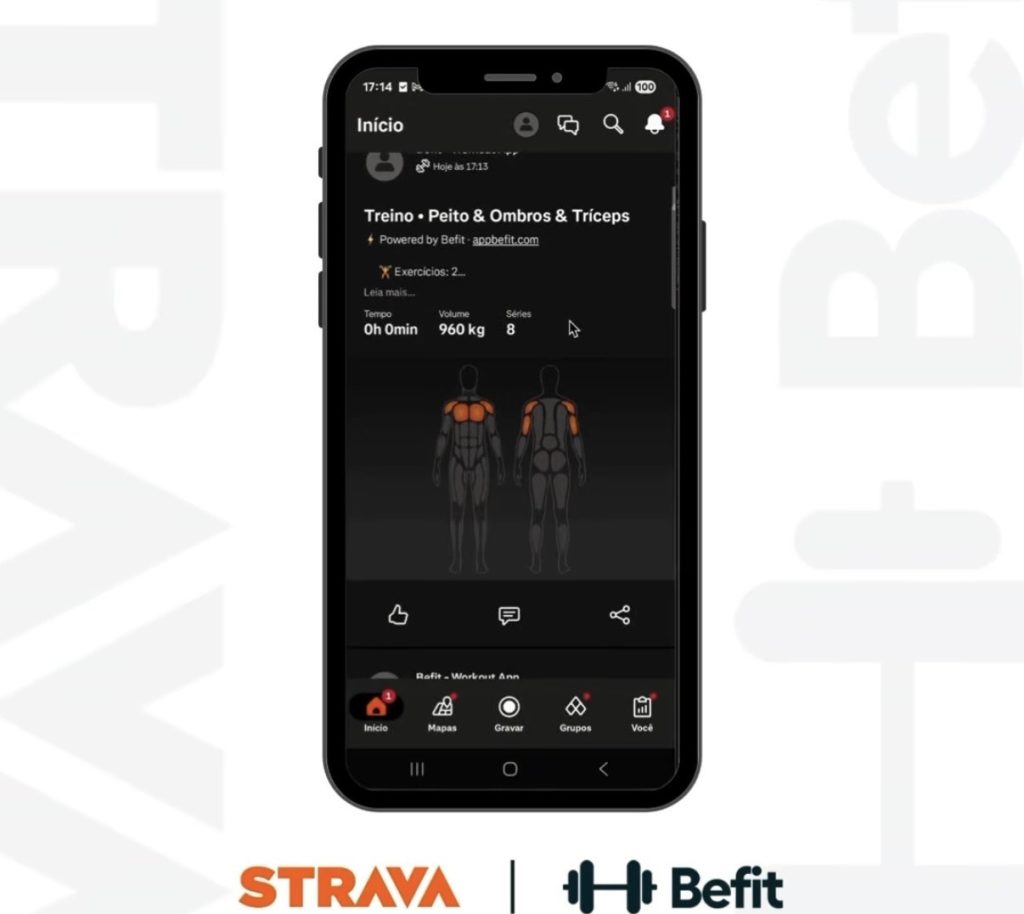
In 2026, Strava completely redesigned its strength training experience, launching new features built for lifters — including the automatic muscle map, a visualization generated after every session that highlights the muscle groups you trained, based on the exercises performed.
The new partner integration model was released by Strava in late May 2026, opening an expanded ecosystem of strength training apps and devices. Befit moved fast: within weeks, we completed the integration to bring this social experience to our users — putting Brazilian technology side by side with the world’s leading training apps in the Strava ecosystem.
Befit connects directly to this new experience, syncing both platforms end to end. Once you link your accounts, your Befit training history is loaded into Strava, and every new completed workout appears automatically in your feed.
What syncs with every workout
Each Strava post carries the full data from your Befit strength session:
- Total workout time
- Volume lifted (total session load)
- Sets and reps for every exercise
- Estimated calories
- Personal records achieved in the session
- Strava’s muscle map showing the groups you trained
Everything in one place — visible to the community that keeps you consistent.
How to connect Befit to Strava
Syncing takes three steps, right inside the app:
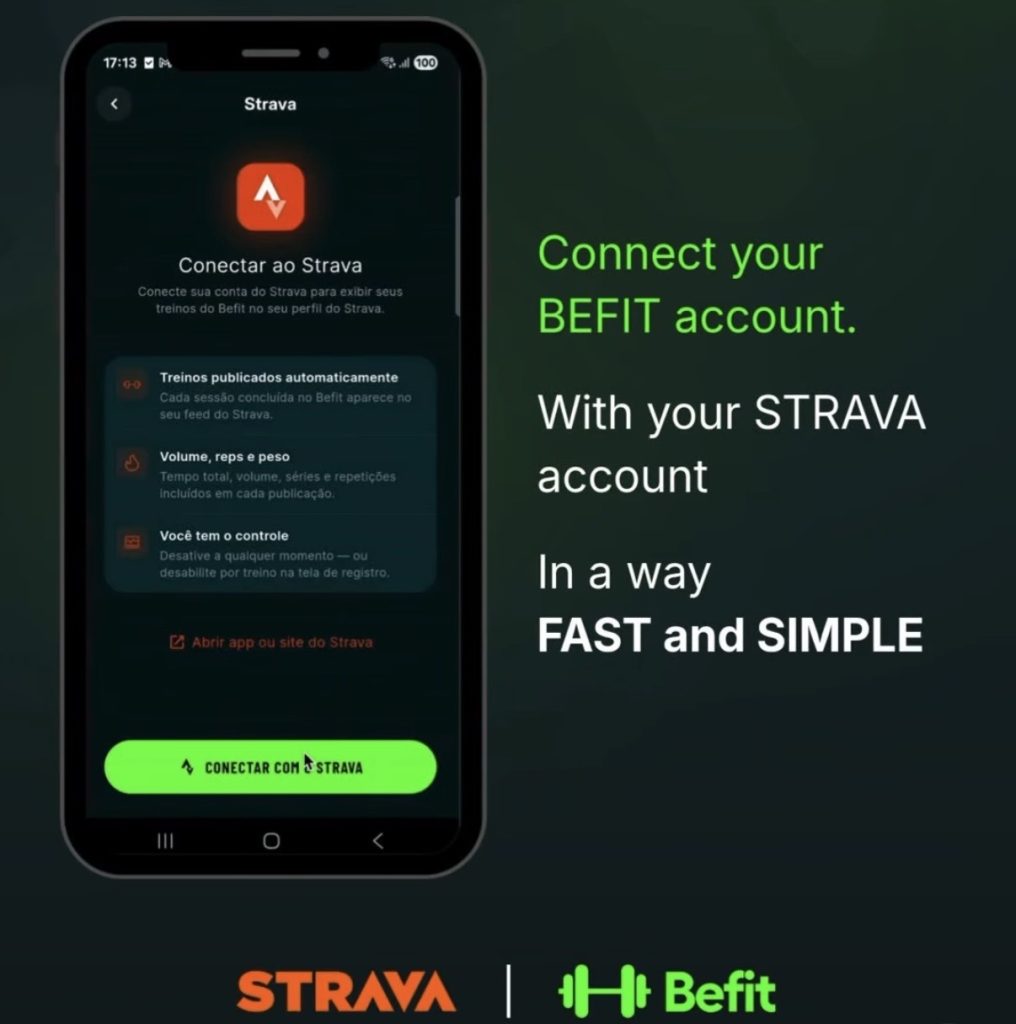
- Open Befit and go to Profile
- Select the Strava option
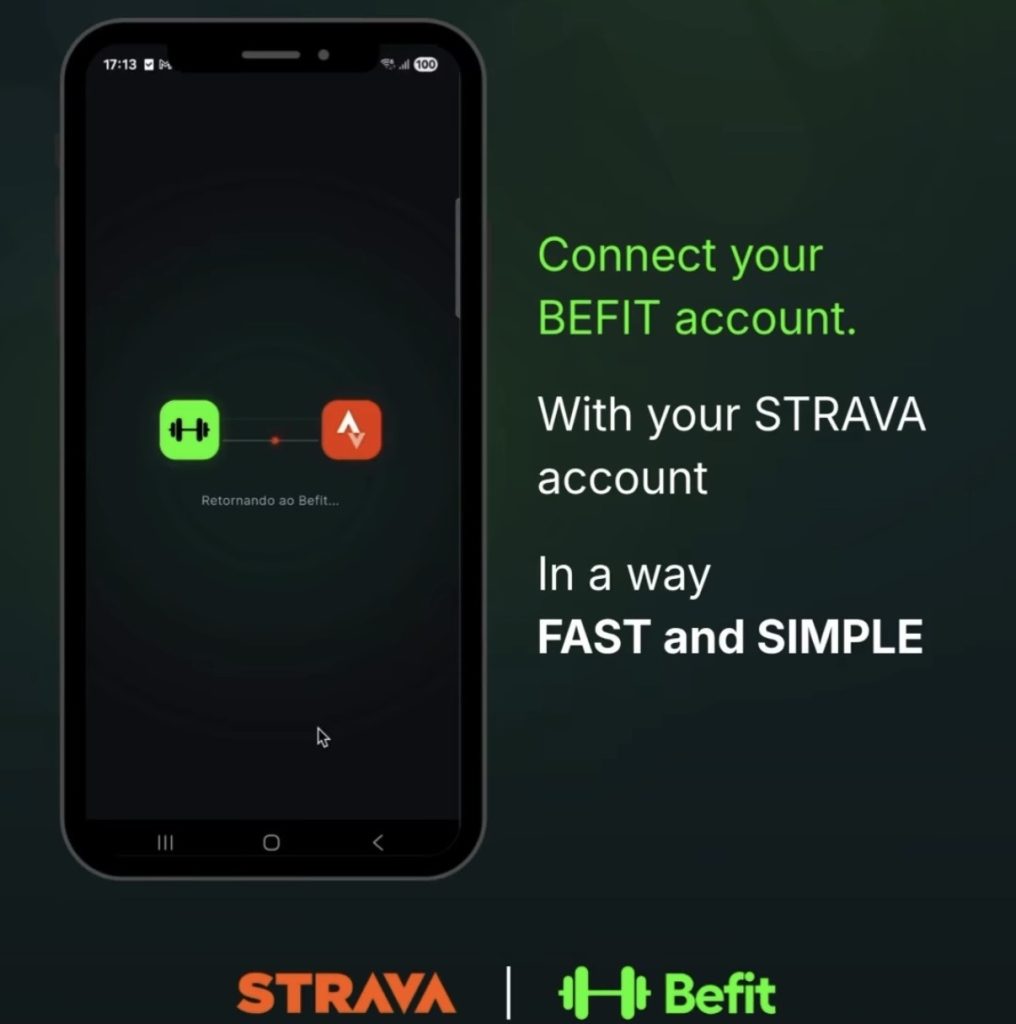
- Tap Connect with Strava and authorize the account link
That’s it. From then on, every completed workout is posted automatically.
You’re in control
Don’t want to share a specific workout? Just turn off sharing for that session on the workout logging screen in Befit. You can also disconnect the integration entirely at any time.
Why this matters
Strava is the global reference for runners, cyclists, and outdoor athletes — and its strength as a social platform builds a genuine sense of community and belonging. For lifters, that’s a powerful consistency driver: sharing progress, getting support, and following the evolution of the people you train with.
Connecting Befit to this global network also puts Brazilian technology in front of a massive base of engaged athletes — exactly the profile of people who treat discipline as a lifestyle and look for tools to keep improving.
Frequently asked questions
Does Befit sync with Strava?
Yes. Befit is the first Brazilian strength training app integrated with Strava’s new strength training experience. Once accounts are linked, every workout completed in Befit is automatically posted to your Strava feed.
What workout data appears on Strava?
Total time, volume lifted, sets, reps, calories, and personal records. Strava also automatically generates a muscle map highlighting the groups trained in each session.
How do I connect Befit to Strava?
In the Befit app, go to Profile → Strava → Connect with Strava. You only link accounts once — syncing is automatic from then on.
Can I choose not to share a workout?
Yes. On the workout logging screen in Befit, you can disable sharing for that specific session. You can also disconnect from Strava at any time.
Does the integration cost anything?
No. Strava syncing is available to all Befit users.


